

Design Principles for AI-Powered Experiences for Kids

This is a written version of the keynote I delivered at kidTECH Los Angeles in May 2026, hosted by kidSAFE.
You’ve probably experienced AI-induced ick lately. Maybe you didn’t know for sure that it was AI-created or AI-assisted, but something in your gut told you it wasn’t quite right.
Maybe it was a phrase you’ve seen one too many people write lately.
Or one too many em dashes.
Or a product video that was too polished.
But it made you pause and question whether you trusted that source.
You’re lucky you can notice that.
Because kids can’t. They lack the cynical “slop-radar” we’ve spent our lives building. To them, the magic is just... reality.
I have spent 25 years building education and entertainment for kids and families with many of the best known brands in the world. More than 200 experiences. I have also spent that time teaching others around the world how to make digital experiences that actually work for how kids learn.
AI has lowered the bar to create. That raises the stakes for getting it right with kids.
These are guidelines I use. It’s an actively developing conversation. I definitely don’t have it all figured out, so please share what you’re finding, too.
1. You are responsible for what AI does
Any tool (from a hammer to the internet) can be used to build or to destroy. The availability of the tool simply scales the efficiency of the user’s intent. Martin Kranzberg’s First Law of Technology says it best.
Technology is neither good nor bad; nor is it neutral.
Martin Kranzberg
One might think that’s obvious, but given all the slop out there (some of which I’ve written about), I continue to say this loudly. There is no “but I just used AI” excuse. When we see a toddler’s YouTube feed filled with six-fingered characters singing nonsensical phonics, that’s not an AI error; it’s a human failure of oversight.


AI doesn’t know what it doesn’t know. It generates with confidence regardless of accuracy. And if no human is reviewing before sharing it publicly, no one catches the errors.
So whether you are using AI behind the scenes to assist the creation of your products or you are creating a consumer facing AI experience, you are responsible for the output.
That does not mean that you need to sweat every single pixel and labor for years to create Oscar-winning Pixar products.
Beyond the basics of doing no harm (e.g. don’t actively teach incorrect or dangerous information), how perfectionist you want to be is a spectrum. Kind of like restaurants. Where are you on the scale of fast food to Michelin-starred restaurants?

I often aim for Chipotle. Fast but good. Or for my colleagues back home: the Wegmans store brand!
Understanding this about yourself (and/or your company) can help inform decisions you make about processes you put in place throughout your design process.
Don’t be a slop creator.
2. Design for the human(s)
Just because you can create something with AI doesn’t mean that you should.
Somehow, when AI gets involved, people start creating things that aren’t needed because it’s so easy.
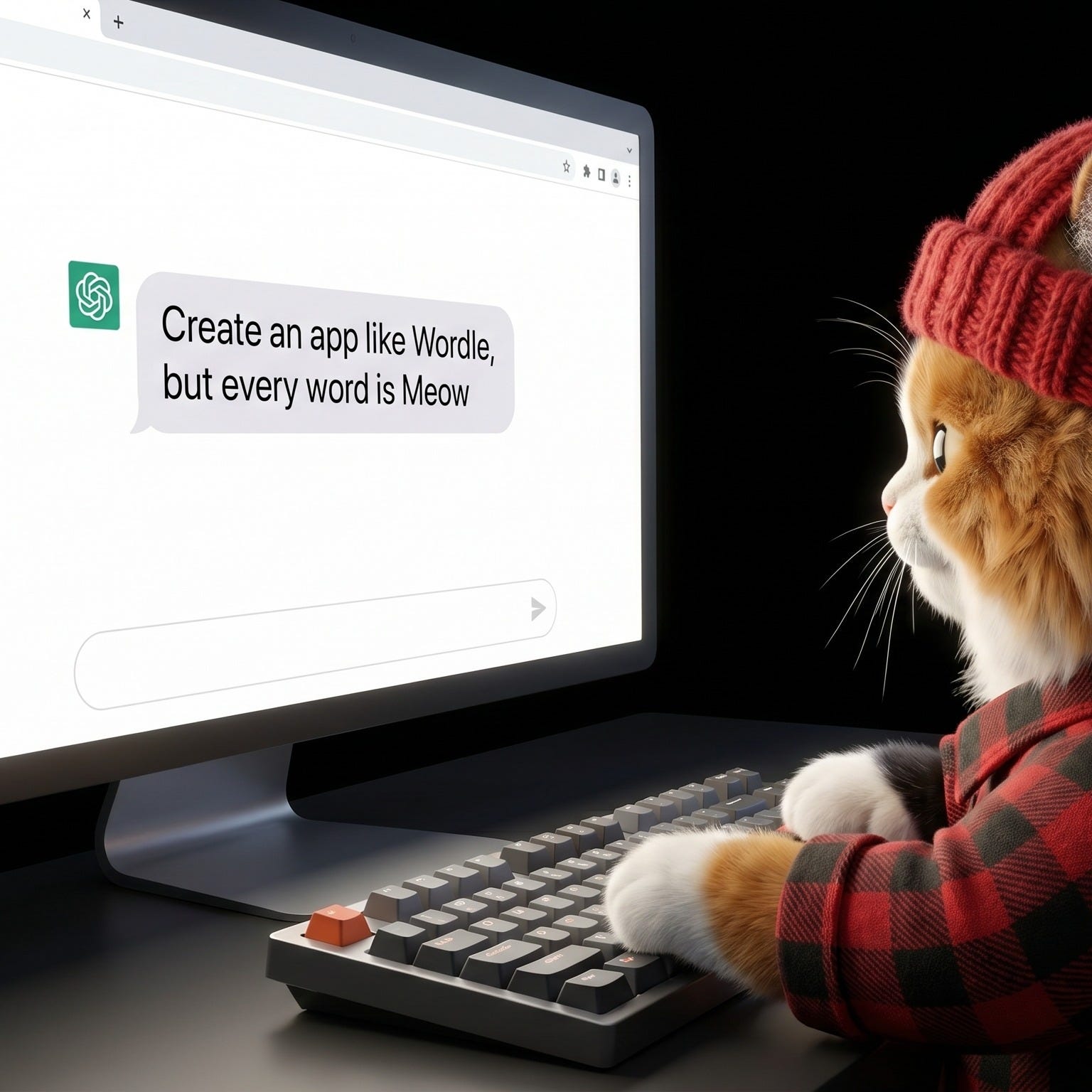
(On a funny note, I showed my daughter this image and she said told me about Horsle. Wordle, but the word is always horse.)
Effort used to be a constraint, so bad ideas would generally filter out. AI removed that filter.
I love AI for learning, prototyping, and understanding how these tools work. Simple and/or silly projects are an amazing learning tool.
But I have far too many serious conversations with people who lack the know-how of determining whether a prototype should become a business or fully developed product.
To make those decisions, we have to design for the humans.
Kids
Parents and caregivers
Educators
Regulators (Please make sure you’re following all legal requirements.)
Having a human use case and knowing what problem you’re solving for the person is critical.
What problem are you solving?
What are the users’ needs?
What is the educational goal?
How can you create ease for the user?
What is the job of your product? (Clayton Christensen’s popular product framework)
Are you a vitamin or a pain pill? (Another well-established product positioning exercise)
A great product is built with intent. The quality of AI output is a direct function of the clarity of your thinking going into the prompt.
Product requirement documents, storyboards, or even planning skills created specifically for brainstorming and product requirements can help support you in solidifying your thinking. (Lenny’s Newsletter has great templates.)
And remember, this works in tandem with user testing and iterating. You’ll never know it all at the start, but you can work toward clarity of what problem you’re solving.
3. Know your limits and the limits of AI
Unchecked, AI has so many potential challenges.
Bias
Prompt adherence
Bad training data
Context blindness
Hallucinations and artifacts
Sycophancy
Overconfidence
Continuity drift
When a human isn’t taking responsibility to understand and correct for these issues, we get slop.
A simple prompt of “write lyrics for an educational alphabet song” yields many terrible things, including “Q is for a box of rocks… X is for fox (the X hides inside).” This is actual lyrics suggested by Claude.
An adult encountering nonsensical word salad alphabets or six legged cats can laugh it off. For a child learning to read? That’s wasted cognitive effort. Never mind if the content is downright dangerous.
This is what Stanford and BetterUp researchers coined Workslop. AI-generated work that looks polished but is flawed and requires heavy corrections. And employees everywhere are struggling with all sorts of issues
Bugs
Deleted databases
Unexpected API key usage
Visual distractions and bad UX
App store violations
Word salad
Incorrect pedagogy
Dangerous imitable behaviors
But to navigate this, you have to honestly assess your skills. How good are you really when it comes to skills like writing, UX design, pedagogy, editing, coding, etc?
When I prototyped the AI slop detector, I really had to know my own limits with coding. I had Claude Code and Gemini working in a code base that was unfamiliar to me, calling APIs that were relatively new to me, and testing rubrics as a method to harness AI model responses. While successful as a test, it also became clear how much work it would take to make it consumer friendly. And how much of that was beyond my current skills.
Whether you are using AI behind the scenes or as part of a consumer-facing experience, you have to know where these edges are for both AI and you (or your team).
Then take steps to confidently address the weak areas.
If it’s simple enough, you might need to prompt for what you don’t know. When I created a potty training song and video, it was relatively simple for me to have Gemini do deep research on modern potty training methodologies. I read it and then applied it to the lyrics and animation development.
This is why information architecture is critical. It can go by many names, and there are multiple ways to work. Fundamentally, it is about building a system through metadata, taxonomies, ontologies, and knowledge graphs that you can use to structure information in a machine-readable format to provide accurate, contextual, and scalable AI output.
AI is trained on huge amounts of information. And it’s a prediction machine. How the data is structured can help the AI understand context. When you say cat, do you want pet cats, or all cats including jungle cats, or CAT — all things that acronym can stand for, including medical scans?
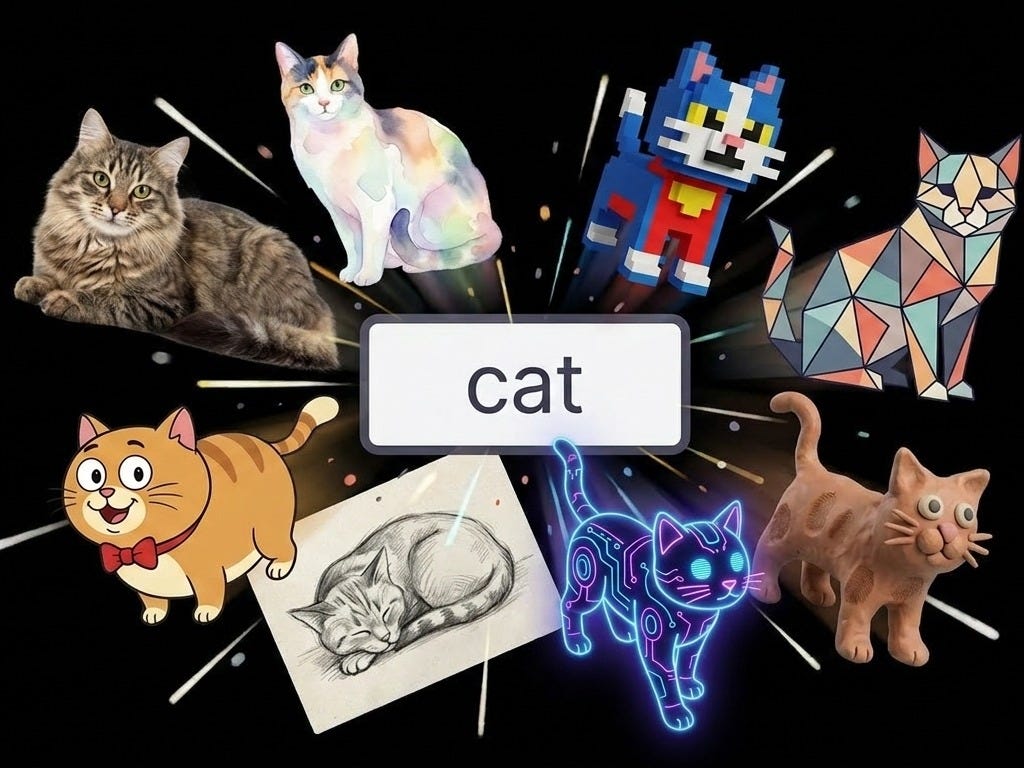
When I use Claude to write alphabet song lyrics, I have a custom skill that results in better output than the unstructured one above. The file structure includes instructions, voice description (the personality of the IP), what I don’t want, what words are approved, any pedagogical rules (e.g. avoiding digraphs or blends), the template, and examples.
.skills/skills/alphabet-lyrics-creation/
├── SKILL.md (Instruction file)
└── references/
├── writing-voice.md (Your voice description)
├── anti-ai-writing-style.md (What to avoid)
├── vocabulary-vetted.md (Approved words)
├── phonics-rules.md (Actual rules)
├── master-prompt-letter-song.md (Structural template)
└── published-lyrics/ (Exemplars)
├── letter-a.md
├── letter-c.md
└── ...
If you want to really dig into where this is headed, start from Jessica Talisman’s work.
The more time I spend building with AI, the more time I spend working on the information architecture and providing good context. Especially in children’s media.
Because good design is still good design. If you’re using AI to build user interfaces, it’s also really important to know how to guide the system to create kid-friendly UI.
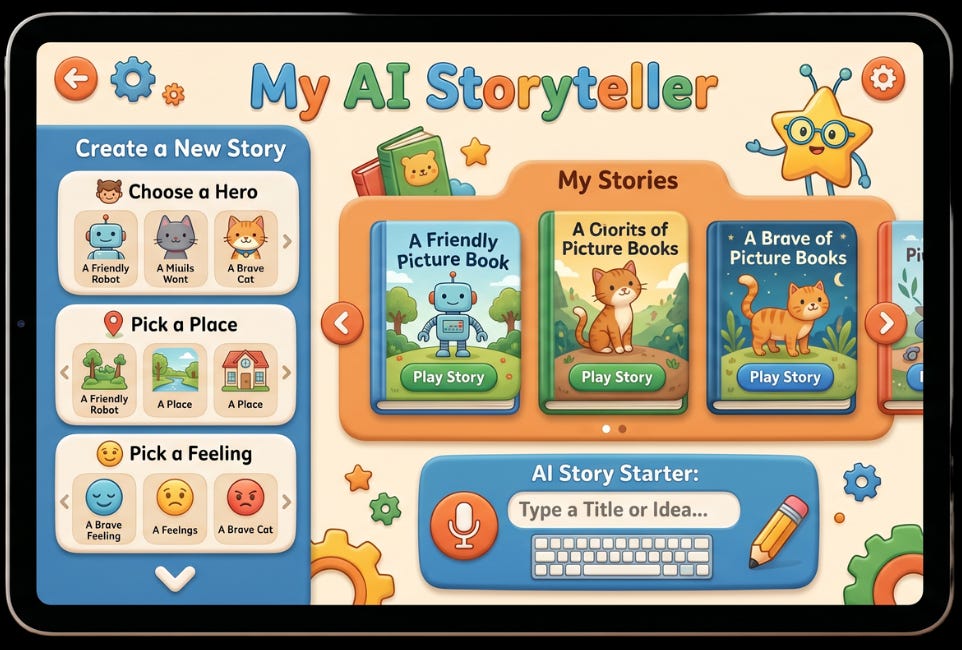
Don’t just prompt “design a kid-friendly AI storybook interface.” Spend time with other products, decide on the features you need, and then tell the AI the requirements for your interface. Don’t forget to be the human reviewer as well!
Empower your team to be subversive and try to break the product
Become incredibly adept at probing and breaking your own product. This is not about what is the scope of the QA person on your team. This is about knowing that if you fail to aggressively test the limits of your product, you run the risk of failing as a product.

Because kids will find the cracks.
This one can get hard because finding the edges means you may have to dive into uncomfortable or even potentially taboo topics. It’s not just about what happens if a kid types poop. It’s about knowing what happens if a really sensitive topic, like suicide or violence is raised, and where your system might potentially break down.
If your product and team are working in this area, engage with experts or people leaders to make a plan on how best to empower your team while also being mindful of their needs.
4. Consumer-facing AI design guidelines are really new
When the iPhone released, I was part of a team building a literacy learning tool at Sesame Workshop. There was little to no usability research on how kids actually used touch screens. So we did the research as we built. Learning as we went and talking with others to help understand how the best practices were evolving.
We’re in another one of those periods where the guidelines for developing AI-powered systems are going to evolve as we go. User testing is critical as is continuing to benchmark with fellow creators.
In addition to continuing to learn how to use AI to facilitate creation of good products, there are some emerging guidelines. (Very curious to hear if you’re coming across others!)
(Links for some articles to explore on these topics are at the end.)
Design experiences to support critical thinking, not outsource it
Premature outsourcing of critical thinking is one of the biggest fears that I hear from parents, from people who are hesitant to start working with AI, and from teachers. Many who are already working with AI have experienced some form of temptation to just let the AI do the mental work.

It's one thing if you're making a mindful decision to have AI execute something and you're actively checking the work.
But especially with educational products, products for learning, and especially for kids, it's important to remember: before you can outsource a skill mindfully, you need to be able to do that skill yourself.
It’s the same argument that using a calculator will prevent you from understanding math, or that wearing a digital watch will prevent you from being able to tell time, or that Googling means you won’t think for yourself.
When Google launched, the conversation in education became: if you can Google the answer, you're asking the wrong question.
A calculator performs a procedural task with 100% accuracy; an LLM performs a conceptual task with unpredictable accuracy. You can't outsource the "concept" before you own it.
We are at a point where we are starting to think about what AI can do for us. If AI can provide the answer, what activity or action should we be focusing on? What are we asking the user to do, and what skill are we trying to build? How should we structure the AI to support learning that skill?
One of the main ways this is already showing up in AI-powered experiences is by prompting the AI to use Socratic methods for dialogue. Always asking questions and never simply providing the answer. (Going back to our earlier conversation, we should make sure the prompt adherence stays aligned with that approach.)
Khanmigo (an AI tutor from Khan Academy) is a great example of this in action.
My go-to example for scaffolding in instructional game design is Sesame Street. Look at any of their literacy games to understand a clear structure for guiding young kids toward the correct answers through visual and auditory cues.
Use caution when anthropomorphizing the AI
When I published Everyone Poops… Except Claude, it struck a nerve.
Many who use AI find themselves questioning when it acts as though a human might. It’s an uncanny valley problem. Maybe it apologizes. Maybe it says “I’m here for you.” Maybe it’s just the three dots that imply that it’s typing in the chat interface.

When it comes to kids and youth, it’s particularly challenging.
Young children are developing foundational social skills, empathy, and the ability to distinguish real from simulated. AI could support literacy through storytelling and offer a safe, playful space for imaginative exploration. But reliance on AI “friends” may hinder the development of empathy and the essential skills of disagreement and repair.
Teens are in a sensitive period for social, emotional, and identity development. AI could lower barriers to access information, practicing conversations, working through concerns. But excessive reliance on “always-agreeable” systems may bypass the productive friction of human interaction.
If you’re developing consumer-facing AI for kids, I’d recommend stopping to review the research and consumer conversations first. Do additional research with your target audience to understand how you position your product. (Don’t just rely on synthetic AI reviewers.)
This isn’t just a design preference anymore. Requirements around AI-designed products are finding their way into laws. Whether these are the right laws is unclear.
California’s Senate Bill 243 (the California Companion Chatbot Law) is one example. It targets companion chatbots, the AI systems built to feel emotionally responsive, and requires a clear notice that the user is talking to a machine. For known minors, that notice has to repeat every three hours during a session. A forced reality check, written into law.
This is just one of many examples from around the world.
Design how your product will respond when issues are found and/or reported
Customer service scripts design how to respond when a customer is unhappy, raises a complaint, or any number of other potentially challenging situations.
If your product has any sort of consumer-facing AI interactions, design the failure modes.
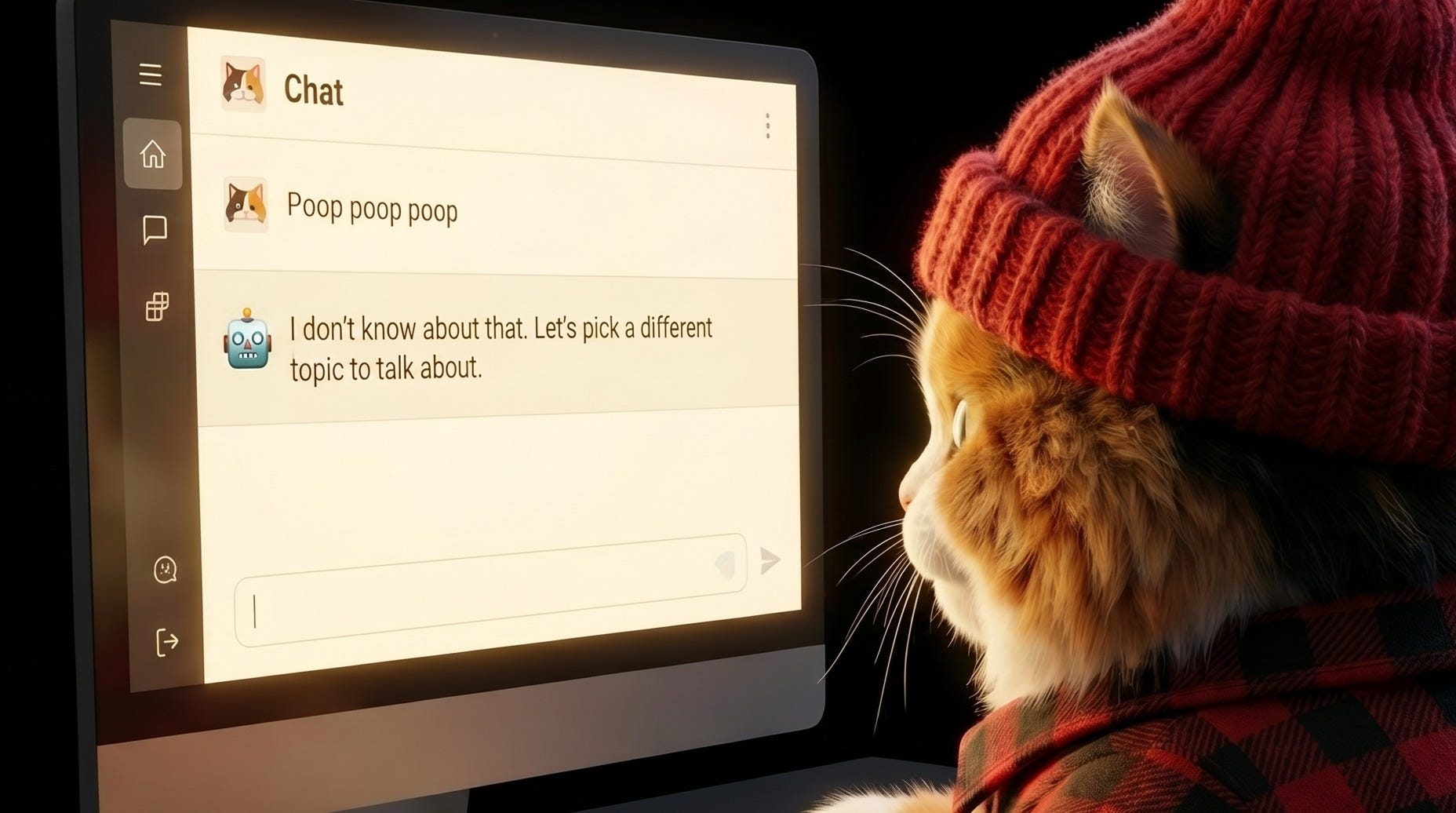
For example, what happens if a user tries to push beyond the bounds of the product? If they type or say inappropriate words? How does your product respond to a poop or fart message?
What if they bring up sensitive or adult topics? Will it redirect? Will it flag the conversation for human review? Or send a message to the parent?
What if they make a complaint or report a bug? Will it apologize (without being sycophantic)? Will a human member of the team follow up?
These are interactions that need to be tested, designed, and continually monitored. If your team is empowered to push the boundaries in testing, they can also be part of setting the standards for how to best design for the hard moments.
Laws are also popping up around this. The same California law also codifies crisis response. When a system detects signals of suicidal ideation or self-harm, it has to refer the user to crisis services. Not optional. Not best practice. Required.
Admin tools are more important than ever
It’s common knowledge that parental tools rarely get used. So it’s not without recognizing this that I recommend that admin tools are more important than ever for AI-powered experiences.
Not only can it be a core tool in the design of how your product handles issues, but it can also be an important tool for establishing trust with your audience.
A well-designed set of admin tools signals that you understand the caregiver/educator’s needs and that you’re supporting them in the potential challenges that could arise. It’s part of providing ease for the adult.
Plus, you never know if an adult will be in the room.
Beyond the classic tools (timers, time-spent reports) which are still relevant, tools for AI-powered apps might be
Privacy safeguards (e.g. how an email app flags if you’re sending a message to an outside domain)
Vibe checks (what’s the overall emotional tone of conversations)
Chat logs
Watermarks for any created content or screenshots
AI literacy materials (we’re all learning how to navigate this world)
I’m increasingly seeing caregivers and educators upload student names and photos into AI systems without thinking about their school data policies. Something about the chat interfaces makes it so effortless that they forget the rules.
So beyond following the law, help users understand when they're potentially stepping out of bounds.
Look for inspiration outside of kids products
I’m constantly looking for inspiration. One of my favorite places to find that is in games and products for adults. A few I’ve been exploring lately
Friends and Fables: AI-powered DnD
Infinite Craft: Start with Water, Fire, Wind, and Earth, combine them to make things. It uses an LLM behind the scenes.
Hidden Door: A beautiful example of combining writers and AI to create role playing opportunities to explore storyworlds.
In other words, do no harm
The risk for harm in kids’ AI is wider than adult AI. It includes psychological harm (manipulation, addictive loops), developmental (skipping productive struggle, displacing human relationships), social (isolating, comparing, shaming), physical (mimicking what they see), and cognitive (confidently wrong becomes silently learned).
The creators of Sesame Street didn’t say “television is dangerous for kids, shut it off.” They said “kids are watching anyway, let’s make something worth watching.”
The answer isn't to retreat from AI. It's to take responsibility for what we make with it. And to keep talking as a community about how we can make it even better.
As I mentioned earlier, this is an evolving conversation. Please share what you’re finding!
Additional Resources
A lot of conversations are happening on the various effects of AI on kids’ learning and development. These are my recent reads.
UNICEF Office of Innovation (2026): UNICEF Welcomes China’s Groundbreaking Regulations to Protect Children from AI-Related Risks This recent report highlights the first global “red line” policies banning virtual intimate relationships for children (like AI family members or partners) to prevent “false intimacy.”
Technical University of Munich (2026): Understanding the Role of ‘AI Friends’ in Children’s Sociocognitive Development This paper discusses how children’s developing cognitive skills make them prone to “animism” (attributing life-like qualities to LLMs) and suggests explicit disclaimers to remind young users they are interacting with a tool, not a friend.
RAND Corporation (2025/2026): More Students Use AI for Homework, and More Believe It Harms Critical Thinking A massive study of over 1,200 youth showing that 67% of students now believe AI use is harming their own critical thinking skills. It distinguishes between “Cognitive Offloading” (bad) and “Cognitive Augmentation” (good).
Brookings Institution (2026): What the Research Shows About Generative AI in Tutoring This article contrasts “direct-answer” AI tools (which lead to “answer delivery”) with Socratic AI tutors that focus on “knowledge construction.”
Western Michigan University (2026): AI and Critical Thinking in Education: Strategies for Preventing AI-Related Decline A practical pedagogical guide on how AI’s tendency to oversimplify complex problems causes students to bypass the “cognitive struggle” required for deep analysis.
Common Sense Media (2026): The AI Literacy Toolkit for Families New research revealing that while 75% of teens use AI companion chatbots, only a third of parents are aware of it, highlighting the “vibe check” gap you mentioned.
Human-Centered AI (HCRAI) Framework (2026): Building AI Responsibly for Children: A Practical Framework A comprehensive guide on “Age-Fit Design,” emphasizing that child-facing AI should default to conservative behavior when a child expresses distress rather than improvising “helpful” (but hallucinated) emotional support.
This is exactly why I do what I do as well! Thank you for putting words to the areas I could not!